Highlight, Stamp or Watermark: Which Mark Do You Need?

Key takeaways
- Annotation is feedback, stamp is a record, watermark is a label
- Only the stamp tool takes images and auto date or page fields
- All three flatten into the page, so keep the clean original
- A text watermark is the easiest of the three to strip back off
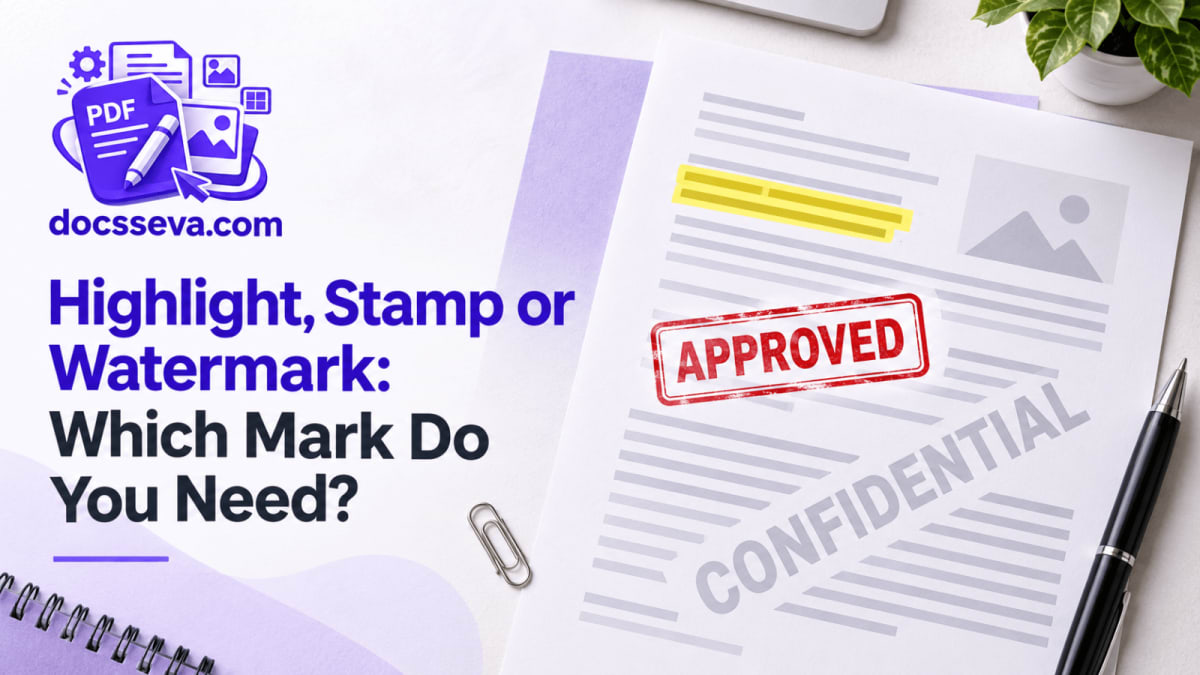
Someone in the office says "just mark it and send it back", and that single instruction can mean three completely different things. Highlight the two clauses you disagree with. Put an APPROVED seal in the corner with today's date. Print CONFIDENTIAL across all forty pages before it leaves the building.
Three tools, three shapes of job. Picking the wrong one is why you end up with a CONFIDENTIAL stamp sitting on top of the exact paragraph you wanted someone to read.
The question each one answers
Strip away the features and each mark exists to answer a different question.
An annotation answers "what do you think of this?" It is a message from you to a specific reader about a specific line. It belongs where the thing it refers to is, it is meaningless anywhere else, and it is temporary — once the draft is agreed, the marks have done their job.
A stamp answers "what happened to this document?" Approved. Paid. Received on the 24th. Signed by whom. It belongs in one place, usually the same place every organisation puts it, and it is permanent — the record of a decision.
A watermark answers "what is this document?" Draft. Sample. Internal. Property of. It applies to the whole file rather than any part of it, which is why it goes on every page in the same position and does not care what is underneath.
Get that straight and the tool choice makes itself.
Side by side
| Annotation | Stamp | Watermark | |
|---|---|---|---|
| Tool | PDF Annotator | PDF Stamp | PDF Watermark |
| Where it lands | Wherever you drag or click | One position you choose precisely | One position, applied to every page |
| Pages | Page by page, as you work | Any: this page, all, odd, even, or 1, 4-6 | All of them, no choice |
| Typical content | Highlights, short notes, freehand marks | APPROVED, PAID, a seal, a signature, page numbers | CONFIDENTIAL, DRAFT, a firm name |
| Marks per file | As many as you like | Several, each with its own pages | One |
| Auto date or page number | No | Yes, via {date} and {page} fields | No |
| Image or logo | No, drawn marks only | Yes: PNG, JPG or WebP | No, text only |
| Colours | Four presets | Any colour, plus five frame styles | Any colour |
| Meant to be permanent | No, it is feedback | Yes | Yes |
They all flatten, and that matters
Here is the thing none of the three tell you loudly enough: every mark from every one of them is drawn into the page content itself. None of them create clickable annotation objects that a reader can select, toggle off, reply to or delete in a normal PDF viewer.
Which is good news in two directions. Your APPROVED stamp cannot be quietly dragged off the invoice by the person you sent it to. Your highlighted objections cannot be hidden before the document is forwarded to a third person.
It is bad news in one: there is no undo after export. If the stamp is in the wrong corner or the highlight covers the wrong clause, you go back to the original file and do it again. So keep the clean original of anything you mark. It costs nothing, and it is the file you will want in a week when the terms change.
This also explains something people find surprising. If you send a marked-up draft expecting comments back in the same file, you will not get them — there is nowhere in the file for the other side to reply. They will mark their own copy and send it back, and you will end up comparing two documents. For a two-round negotiation that is fine. For a document going through six reviewers, it is not the right process and no marking tool will make it one.
Can the mark be taken off later?
Sometimes, and the differences are precise.
A text watermark is the easiest to reverse. It is one repeated phrase, oversized and usually rotated, which is exactly the signature the PDF Watermark Remover looks for — it deletes those drawing instructions and leaves the rest of the page byte-for-byte intact. A watermark keeps honest people honest. It does not keep a document out of anyone's hands.
A stamp is harder, and in a way that is worth understanding. If the stamp is text, the remover can find and delete the words — but the frame around them is a drawn rectangle or ellipse, not text, and it stays. You end up with an empty box where APPROVED used to be, which fools nobody. An imported seal or a drawn signature is an image and is not text-removable at all.
Annotations — highlights, freehand lines, notes — are rectangles, lines and short text drawn into the page. A note might be found by phrase, but a highlight is a filled rectangle and there is no text operator to delete.
So: a watermark is a label that can be peeled off, a stamp is closer to ink, and annotations are somewhere between. If a mark absolutely must survive, make it an image rather than text.
Choosing, in practice
Reviewing a contract, a report or a student's submission. Annotator. Highlights on the passages, short notes beside them, colour-coded so the reader knows which marks are objections and which are questions.
Recording that something was checked, approved, paid or received. Stamp. Use a preset with a {date} field so the date fills itself in, and put it where your office has always put it.
Sending a document out that must be identifiable as yours, or as a draft. Watermark. One phrase, every page, opacity around 20% for screen reading or 35% if it will be printed.
Numbering the pages of a bundle. Stamp, with "Page {page} of {pages}" as the text and Every page as the target. The watermark tool cannot count.
Putting a seal or logo on a document. Stamp — it is the only one of the three that takes an image.
Marking a scanned page. Annotator or stamp. Both draw on top of whatever is there. Nothing on a scan is selectable text, but the annotator's highlight is a dragged rectangle rather than a text selection, so it behaves identically on scans and digital pages.
More than one of the above. They stack. Watermark the file first, then stamp it, then annotate it — each pass reads the previous output. Just keep the original at every step.
Two marks that need a fourth answer
If what you want is for the document not to be readable by the wrong person, none of these three is the tool. A visible mark is a message, not a lock. PDF Password encrypts the file so it cannot be opened without the password, which is a different guarantee entirely.
And if the marking is happening because you need to send a signed copy back, remember what a drawn signature stamp actually is: a picture of your signature on a page. It is normal and accepted for everyday business paperwork. It is not a digital signature certificate, and where a portal specifically demands DSC signing, it will not do.
All three tools sit under editors, and the rest of the document set is on all tools.
DocsSeva Team
Published on September 11, 2026
More PDF & Image Editors guides
Compare the approaches before you pick one.
More PDF & Image Editors guidesMore on pdf-markup

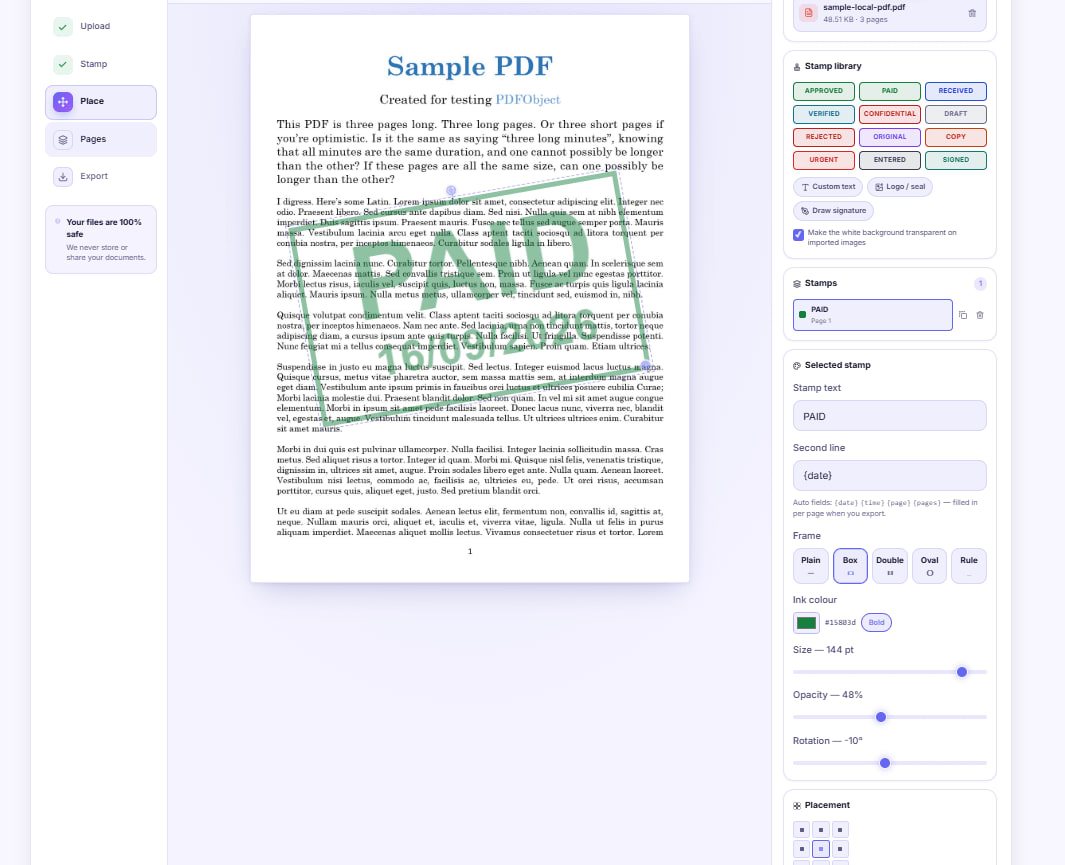
Stamp PAID on an Invoice Without Printing It First
Drop a dated PAID stamp onto an invoice PDF, or photograph your own rubber stamp and place the ink itself. A walkthrough for anyone without a printer and scanner.


Mark Up a Draft Agreement Before You Sign Anything
Highlight the clauses you disagree with, attach short notes where they belong, and send back one marked copy instead of an email nobody can follow.


Number Every Page of a PDF Bundle Before You File It
Merge, then stamp Page {page} of {pages} across the whole bundle in one pass, add an initial on every sheet, and handle double-sided printing properly.