Photo Size, Format and Background: The Complete Guide

Key takeaways
- Read the portal's error first: KB, pixels and format are three different problems.
- Resize to the required pixels before you compress, not after.
- Going under a KB minimum needs size added, not more compression.
- Most Indian portals want JPG; convert PNG, WebP and AVIF first.
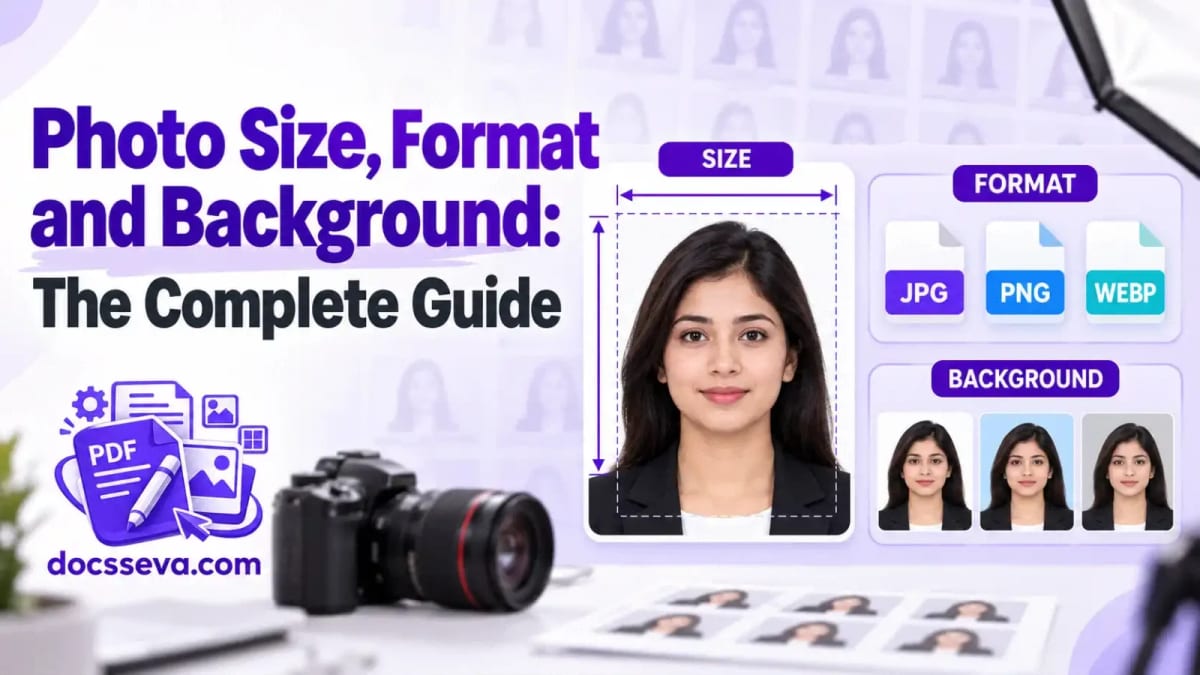
Most photo problems on an online form come down to four things: the file is the wrong size in KB, the picture is the wrong shape or size in pixels, it is in a format the portal will not take, or the photo itself needs fixing — a background, a rotation, a date stamp. This guide sorts those problems out one at a time and points you to the free DocsSeva tool, and the detailed guide, for each.
Start with the error message the portal gives you. "File too large" and "file too small" are about KB. "Invalid dimensions" is about pixels. "Invalid file type" is about format. Match the message to a section below and you will usually fix it in one step.
Quick answer: which tool do you need?
| Your problem | Tool | Read first |
|---|---|---|
| File is over the KB limit | Image Compressor | Resize or compress? |
| File is under the minimum KB | Increase Image Size | Why a portal says your photo is too small |
| Needs exact pixels, cm or inches | Image Resizer | Resize an image in cm |
| Needs an exact shape or framing | Image Crop | Crop or resize? |
| Wrong format (WebP, PNG, AVIF) | Image Converter | JPG, PNG or WebP? |
| Needs a white or plain background | Background Remover | White background behind an ID photo |
| Passport photos to print | Passport Photo | 8 passport photos on one A4 sheet |
Get the file size (KB) right
Portals state a size window, such as "20 KB to 50 KB". Over the top of it, you need to compress; under the bottom, you need to add size. These are different jobs, and using the wrong one is the most common reason a photo keeps getting rejected.
- To go down, the Image Compressor lowers JPG quality with a slider. For a fixed target, the one-step pages do the searching for you: compress to 20 KB, 50 KB or 100 KB. If your PNG hardly shrinks, this is why. For a whole folder of shop photos, see bulk compressing product photos, and for form uploads, compress a photo under 100 KB.
- To go up, Increase Image Size adds size until the file clears the minimum. The guide to going from 20 KB to 50 KB for exam forms walks through it, is a padded JPG still valid? answers the usual worry, enlarge or pad explains the two methods, and you can bring photo, signature and ID up to size in one batch.
Exam forms usually fix the pixel size and the KB range together. For those, use the exam pages, which set both at once: IBPS, SBI, SSC signature, UPSC, NEET and RRB NTPC signature.
Get the dimensions right (pixels, cm and DPI)
A form that asks for "3.5 cm × 4.5 cm" is really asking for a number of pixels at some resolution. Resize an image in cm without guessing shows the conversion and which DPI to pick. If the output came out a different size than you typed, the fit mode is usually the reason: wrong dimensions after resizing.
- Resizing a set of photos to one size: bulk resize product photos.
- Printing on A4 without grain: why a photo prints grainy.
- Cutting to an exact frame instead of squeezing: crop to exact pixel dimensions, and if the crop took the wrong part, the crop cut off the wrong part.
Get the format right
Most Indian government and exam portals accept only JPG. Phone screenshots are PNG and many websites save WebP, so the file can look fine and still be refused. Portal says invalid file type explains why, and the Image Converter turns PNG, WebP, AVIF, GIF, TIFF and similar files into JPG. iPhone photos in HEIC need one extra step on the phone first: share or export them as JPG, or set Camera > Formats to Most Compatible so new photos are saved as JPG.
- A WebP file won't open? Convert it to JPG
- PNG screenshots to JPG for form uploads
- Picking between JPG, PNG, WebP and AVIF
Passport, ID and profile photos
Passport and ID photos add rules about background and framing. The Passport Photo tool crops to country sizes, replaces the background and lays copies out on an A4 sheet to print. Before you start, read which background colour to choose. If you only need the background changed, put a white background behind an ID photo; if the cut-out edges look rough, fix a background cut-out that looks wrong; and to decide what to download, transparent PNG or white background.
Product photos for online sellers
For Meesho, Flipkart or Amazon listings you want every photo the same size, on a clean background, and small enough to upload quickly. Clean white product photos without a lightbox, bulk resize to one size and bulk compress before listing cover the whole routine.
Fix the photo itself
- Mirror image or upside down: rotate or flip? with Image Rotate.
- A date printed in the corner: remove a camera date stamp, and brush or Magic pick for choosing the selection.
- Before posting a photo publicly: check whether it carries your home location, which File Info shows you.
A note on privacy
Some DocsSeva image tools work entirely inside your browser; others send the photo to our server, process it and delete it straight away. Each tool page says which applies before you upload anything. None of them needs an account, and none adds a watermark.
Frequently asked questions
My photo is the right size in pixels but the portal still rejects it. Why? Check the KB range and the format as well. A photo can have the right dimensions and still be over the KB limit, or be a PNG when the portal wants JPG.
Should I resize or compress first? Resize to the required pixels first, then compress if the file is still over the limit. Compressing first and resizing afterwards throws away quality twice.
Can I make a photo bigger in KB without changing how it looks? Yes. Increase Image Size can add padding the viewer ignores, or enlarge the picture itself; see enlarge or pad.
DocsSeva Team
Published on September 25, 2026
Browse all tools
38 free document tools, no account required.
Browse all toolsMore on image-guides


In-Depth Comparison
Fast, Advanced or Compatibility: picking an OCR mode
What the three Advanced OCR recognition modes really change, why the Advanced option is sometimes greyed out, and how your device quietly sets the accuracy ceiling.


The 70% line: which OCR words you actually need to check
OCR confidence scores tell you where the engine hesitated, never where it was confidently wrong. A four-minute checking routine for invoices, statements and certificates.


Extracted PDF text has both columns mashed together
Why a two-column PDF comes out of a text extractor with the columns interleaved line by line, what else the same rule breaks, and the three ways to get the order right.