In-Depth How-to Guide
Compress a 300 MB Scanned PDF Without Freezing the Tab
A 180-page, 312 MB scan crashes the tab and comes back as a ZIP. Why that happens, what each level does to your pages, and the cheaper step to take first.
How compression really works, and how to hit a strict size limit — 200 KB, 1 MB, an email attachment cap — while keeping documents readable.
14 articles

In-Depth How-to Guide
A 180-page, 312 MB scan crashes the tab and comes back as a ZIP. Why that happens, what each level does to your pages, and the cheaper step to take first.

Learn how to compress a PDF to a chosen file size such as 100 KB, 200 KB, 500 KB, 1 MB or 2 MB while preserving readable text, clear images and essential document details.

Learn how to reduce PDF size below 1 MB for email, government portals, job applications and online forms while keeping text, images and signatures readable.

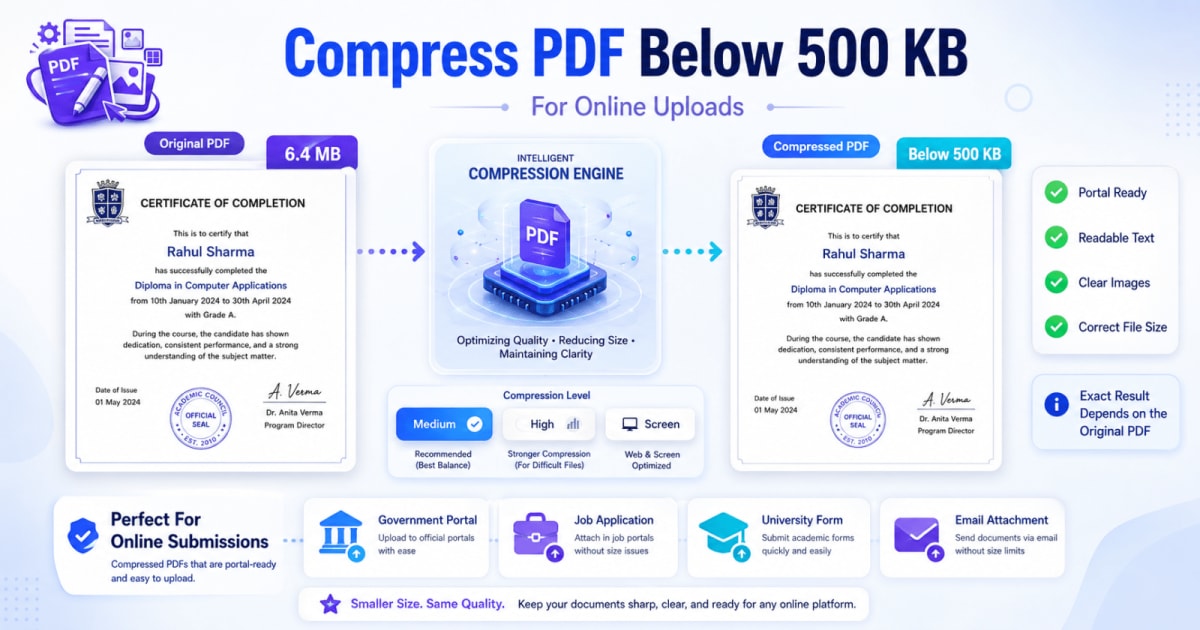
Learn how to compress a PDF below 500 KB for government portals, job applications and online forms while keeping text, signatures and images readable.

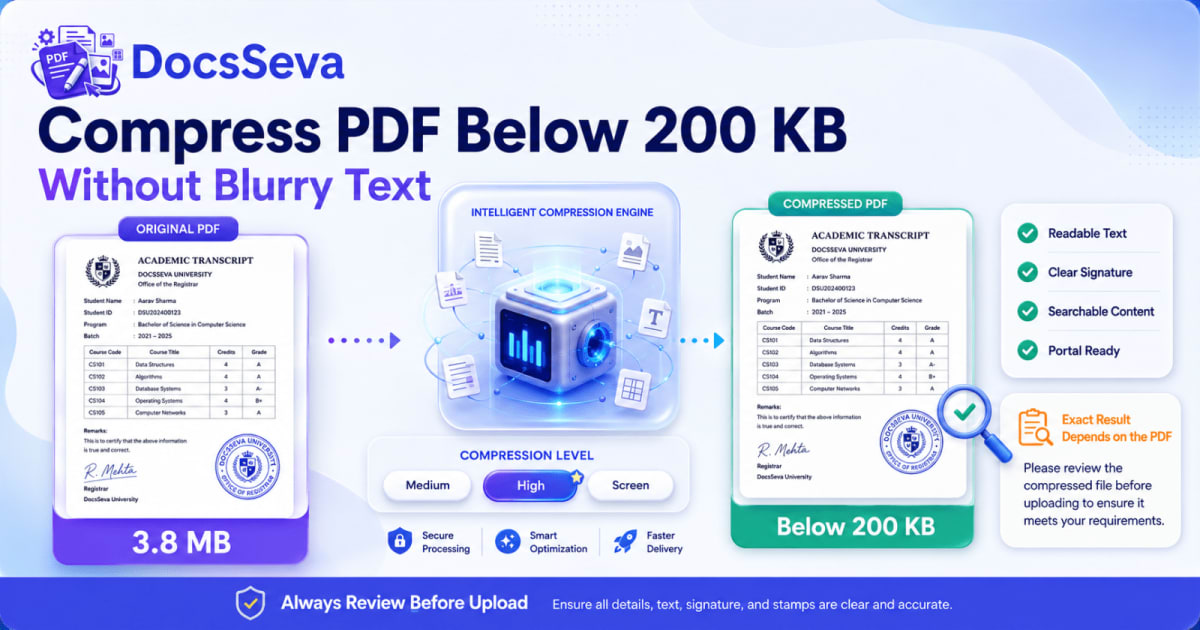
Learn how to compress a PDF below 200 KB without making text blurry. Follow a practical workflow for scanned PDFs, resumes, certificates and online form uploads.

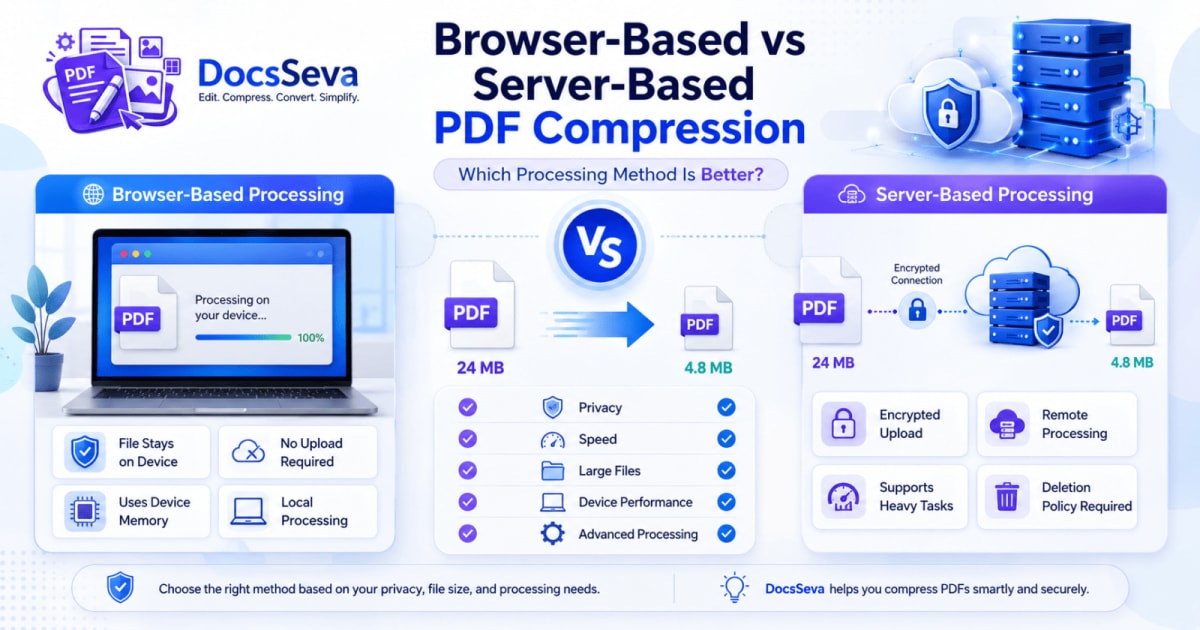
Compare browser-based and server-based PDF compression. Learn how each method handles privacy, speed, large files, security, device performance and document quality.

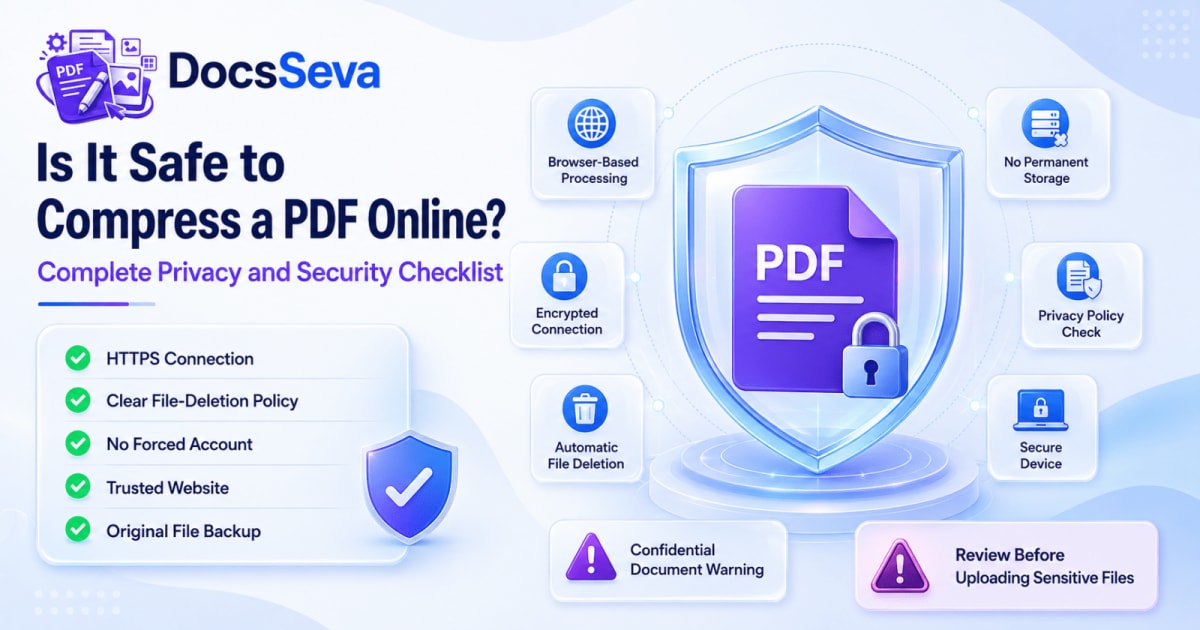
Learn whether online PDF compression is safe, what happens to uploaded documents and which privacy checks to complete before processing personal, financial or confidential files.

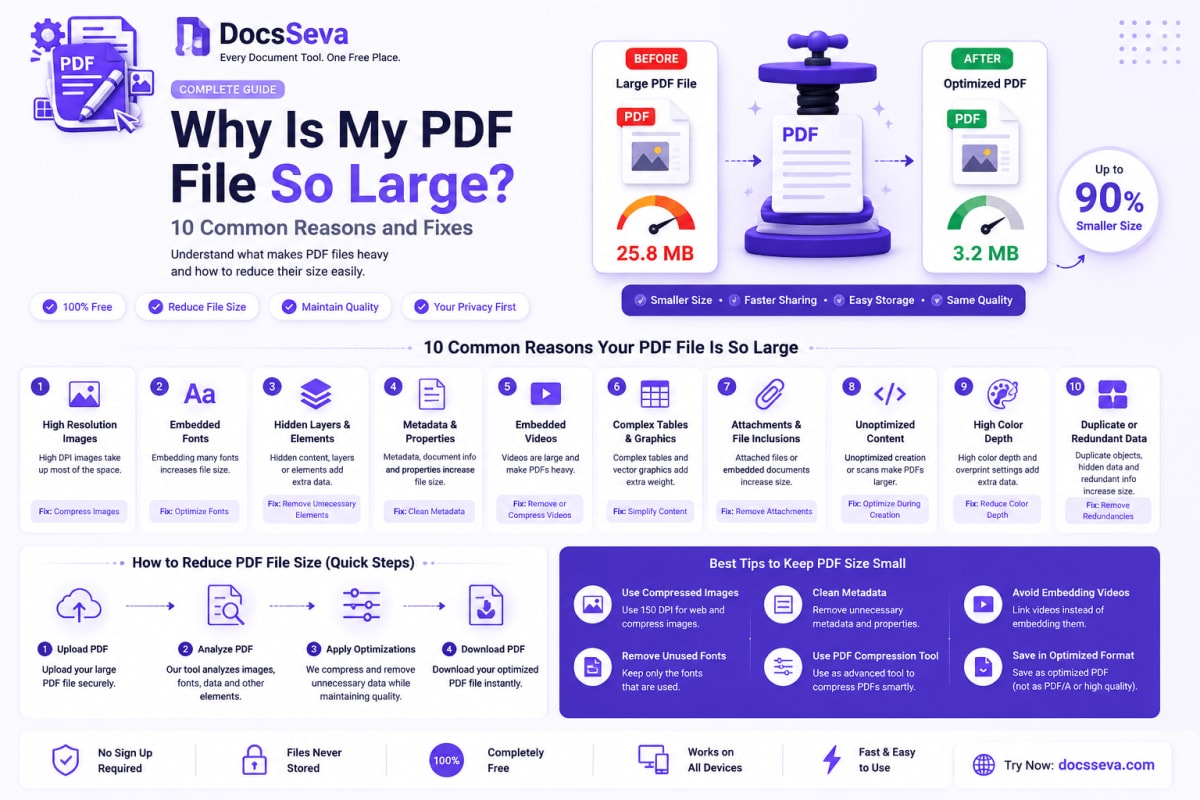
Discover why your PDF file is unusually large. Learn how images, scanned pages, fonts, attachments and export settings affect PDF size—and how to fix each issue.

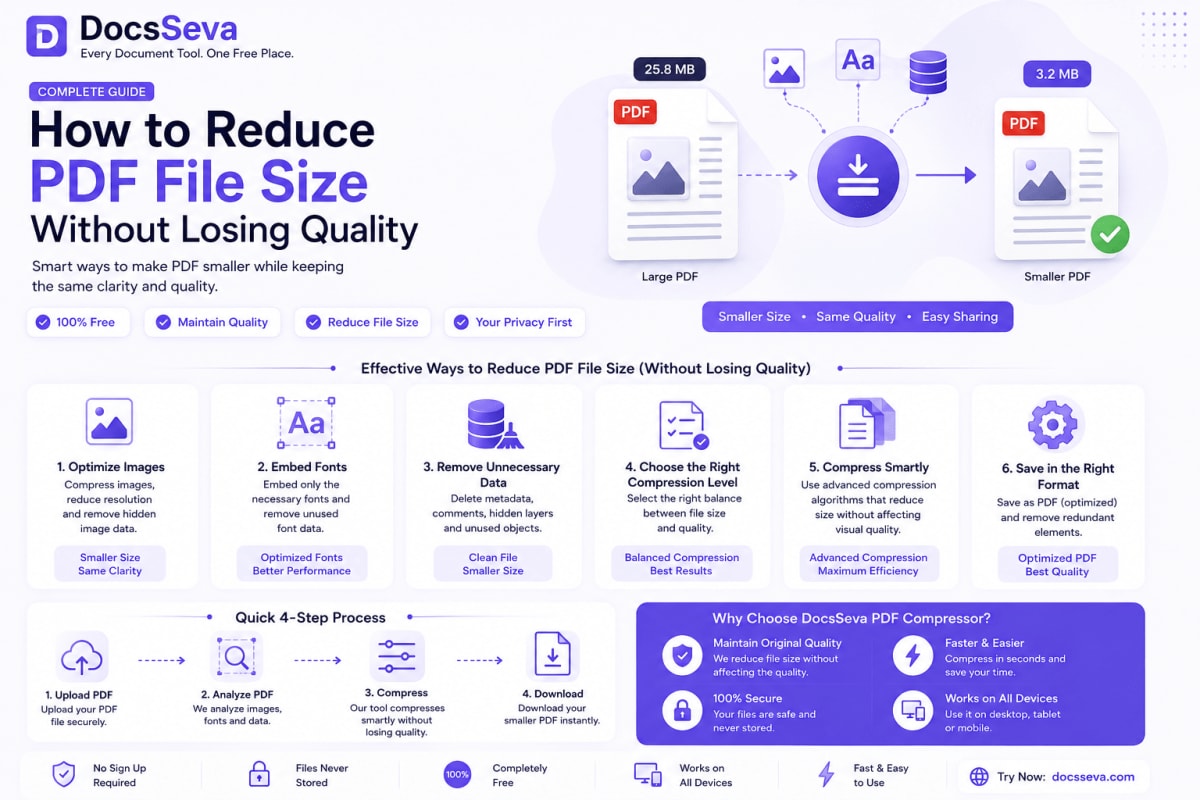
Learn how to reduce PDF file size without making text blurry or damaging important images. Compare compression modes and follow practical quality-preservation steps.
Showing 9 of 14 posts.
Showing 9 of 14 posts