Rotate Only the Sideways Pages of a Scanned PDF
Six pages of a 24-page scan came out sideways and the rest are fine. Here is how to turn only those pages, what the page-number box accepts, and the traps.
DocsSeva Team6 min
Practical how-tos for working with PDFs and images — and the latest from DocsSeva.
78 articles
Six pages of a 24-page scan came out sideways and the rest are fine. Here is how to turn only those pages, what the page-number box accepts, and the traps.

A two-sided scan of single-sided paper doubles your page count with near-blank backs. How to remove them safely, and when to rotate them instead.

Page tools count physical position from the first sheet, not the number printed at the bottom. How the two drift apart, and how to get the right number every time.

How to pull a single signature or statement page out of a long PDF so it stays searchable and small, and the one thing extraction will not do for you.
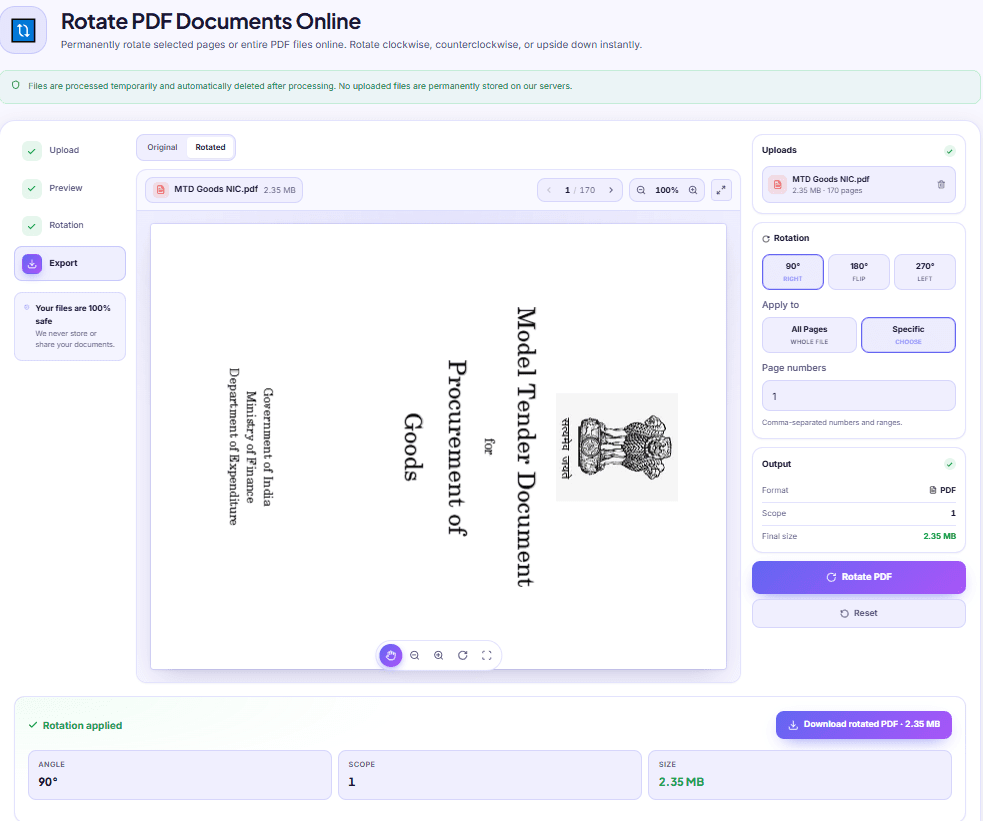
Rotate in Chrome and the file never changes. Here is what a PDF actually stores, why one press of 90 degrees sometimes lands upside down, and how to check.
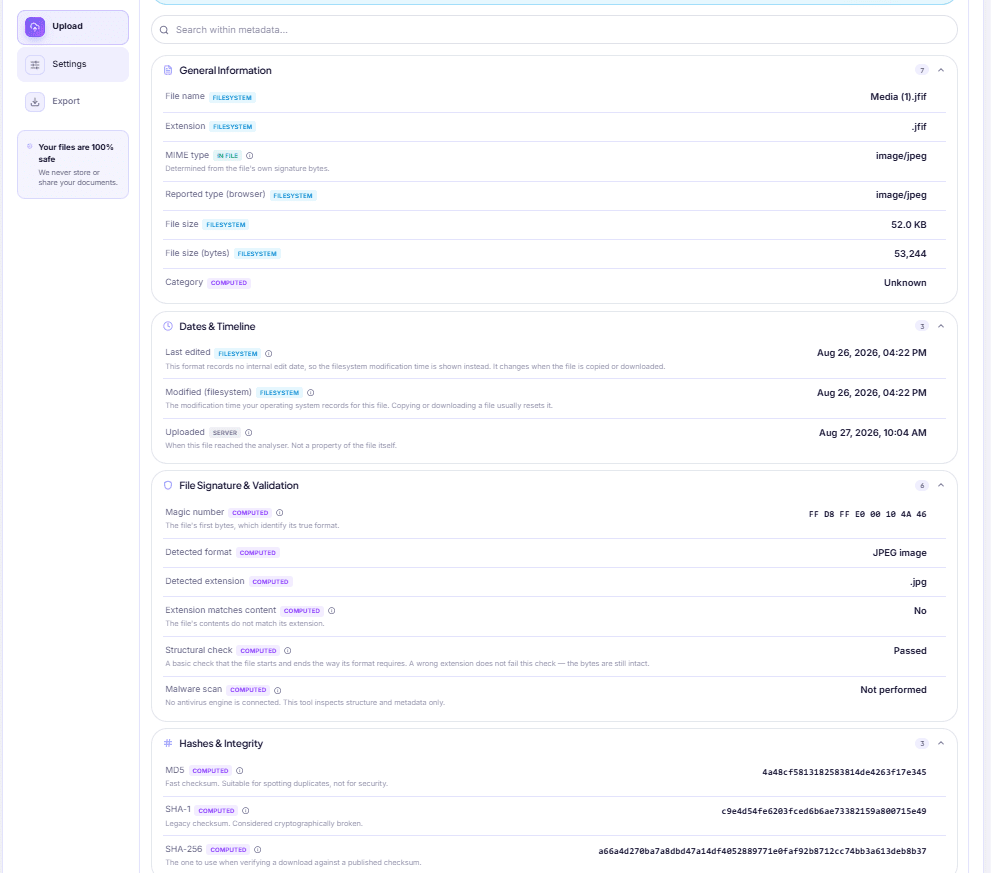
Your laptop says the forwarded quotation was modified today. It wasn't. Here is where a file's real dates live, which formats keep them, and what they prove.

Marketplace photos can carry the coordinates of the room they were taken in. How to check a photo in seconds, what else is stored, and how to actually remove it.
In-Depth How-to Guide
A renamed PNG is still a PNG, and upload forms check the bytes. How to confirm what your file really is, which mismatches are harmless, and how to fix a real one.

In-Depth How-to Guide
A 180-page, 312 MB scan crashes the tab and comes back as a ZIP. Why that happens, what each level does to your pages, and the cheaper step to take first.
Showing 9 of 78 posts.
Showing 9 of 78 posts