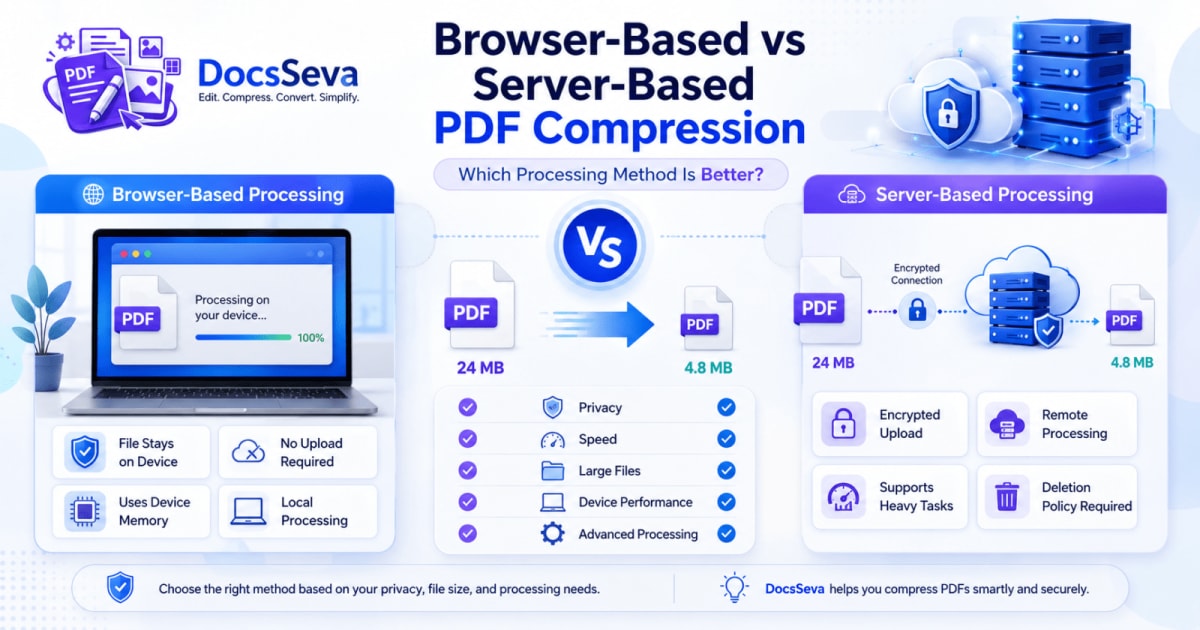
Compare browser-based and server-based PDF compression. Learn how each method handles privacy, speed, large files, security, device performance and document quality.
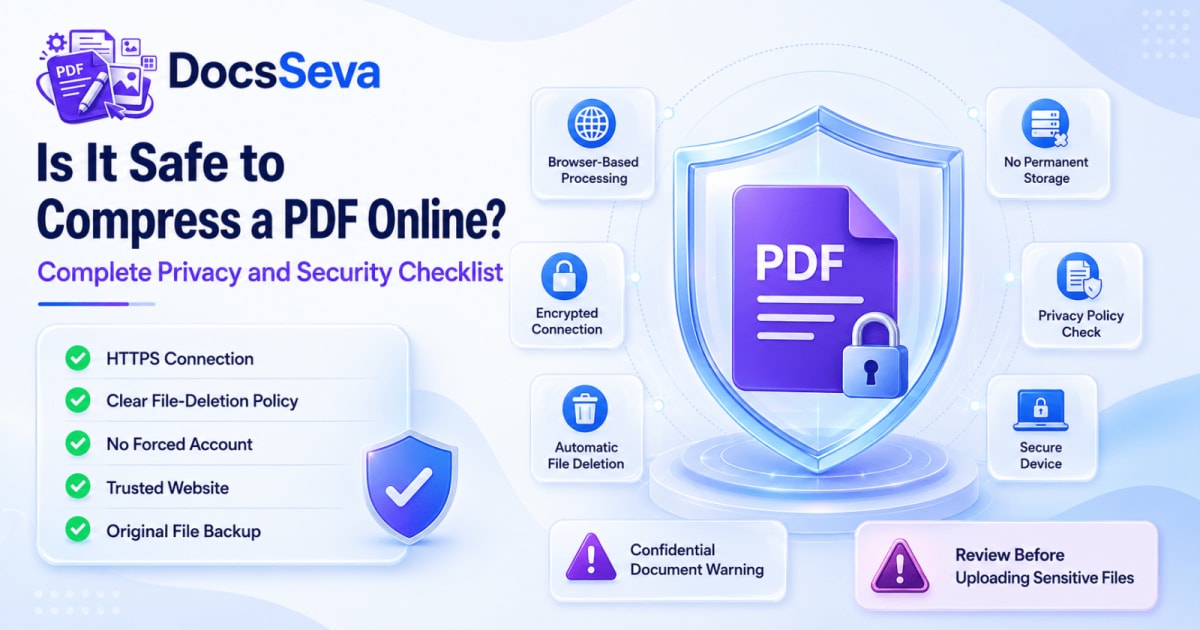
Learn whether online PDF compression is safe, what happens to uploaded documents and which privacy checks to complete before processing personal, financial or confidential files.
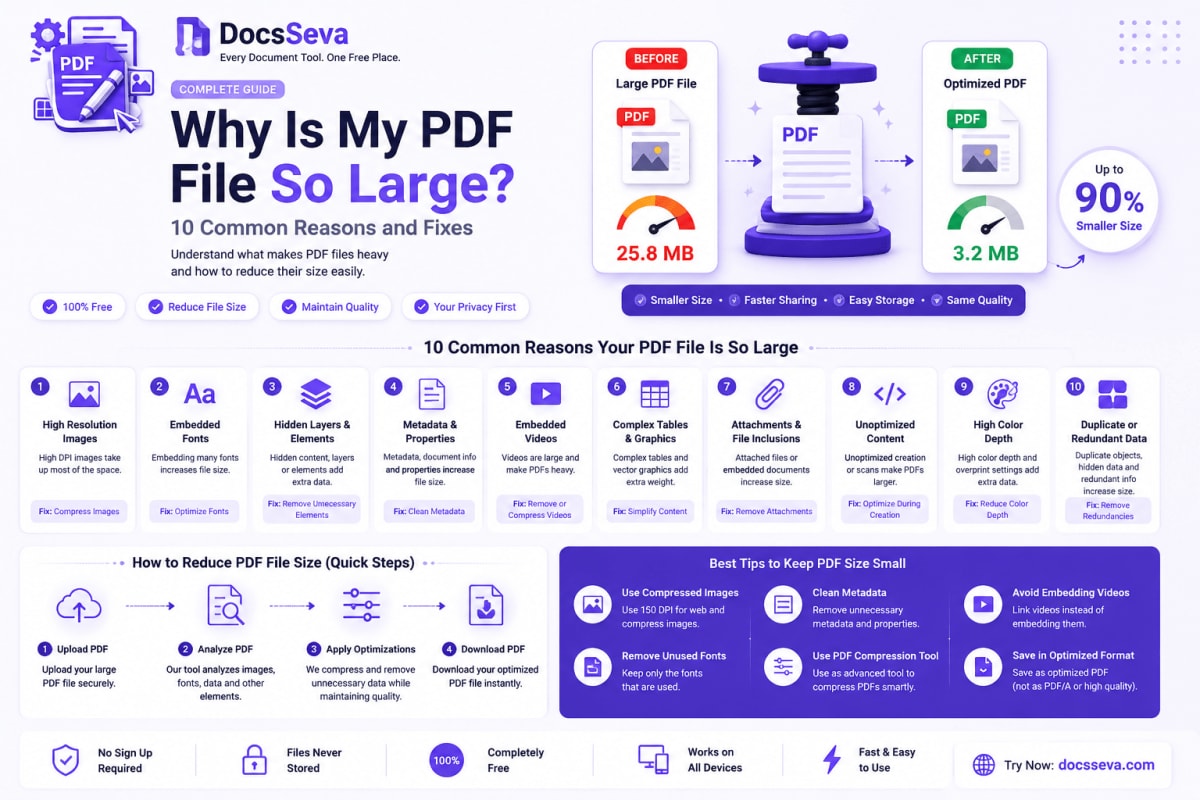
Discover why your PDF file is unusually large. Learn how images, scanned pages, fonts, attachments and export settings affect PDF size—and how to fix each issue.
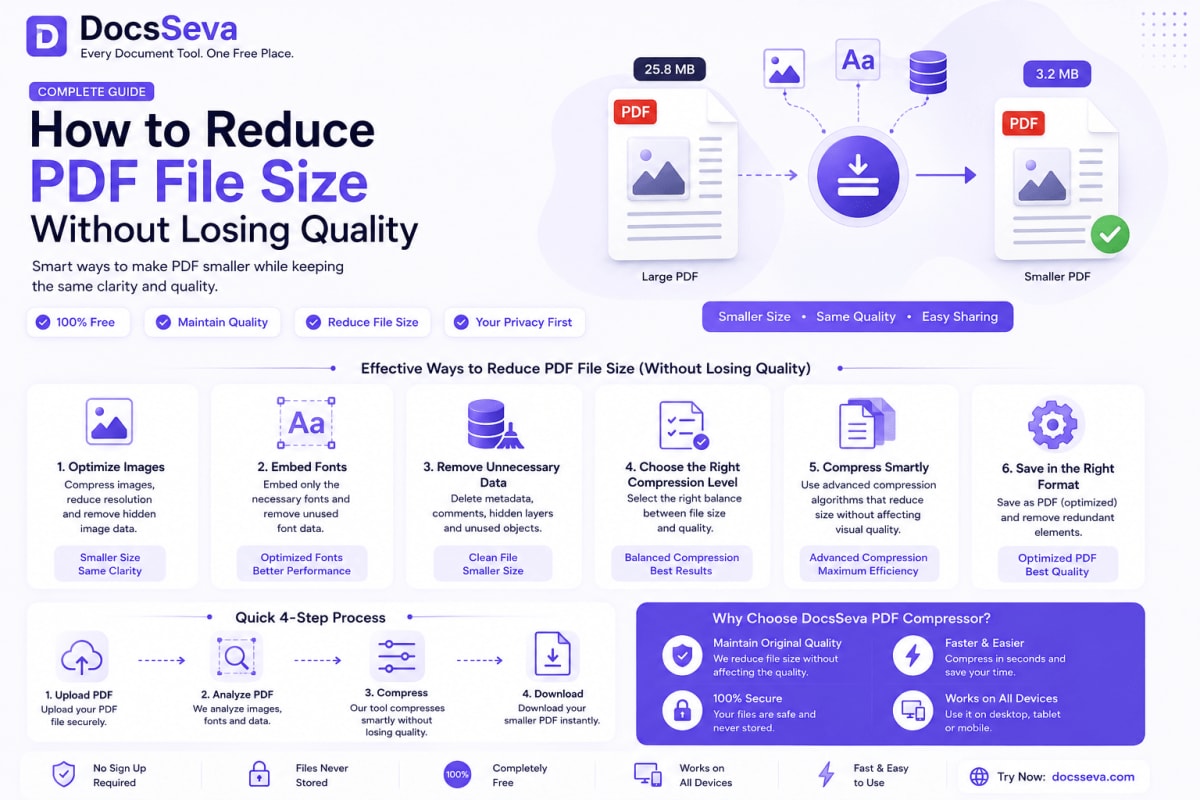
Learn how to reduce PDF file size without making text blurry or damaging important images. Compare compression modes and follow practical quality-preservation steps.
Compare Low, Medium, High and Screen PDF compression modes. Learn which setting provides the best balance of file size, image quality and searchable text.
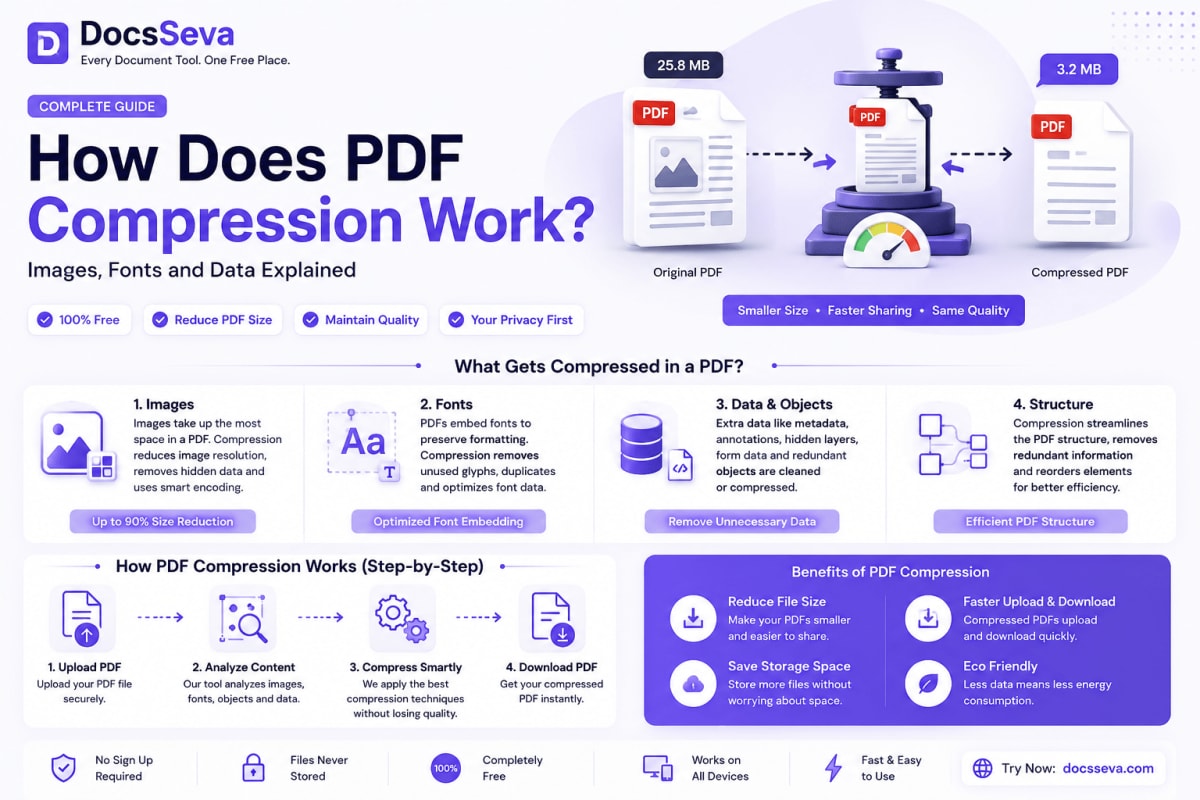
Learn how PDF compression reduces file size by optimizing images, fonts, metadata and internal PDF objects while balancing document quality and readability.
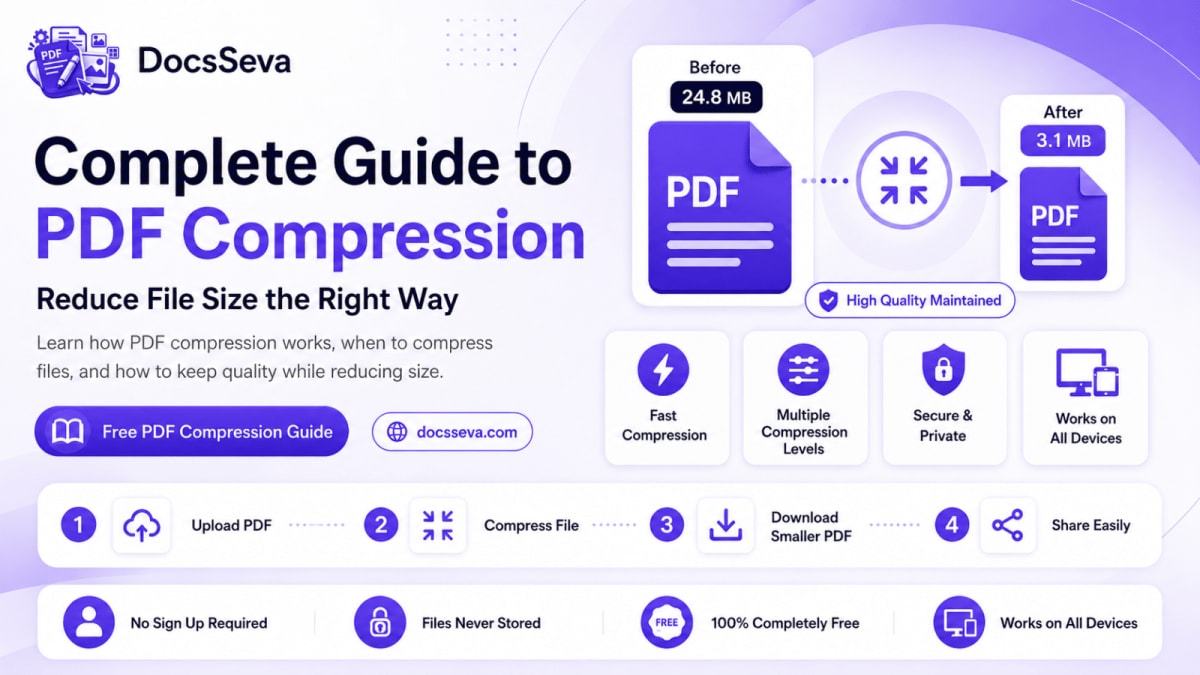
Understand how PDF compression works, what makes PDF files large and how to choose the right compression level without unnecessarily reducing document quality.
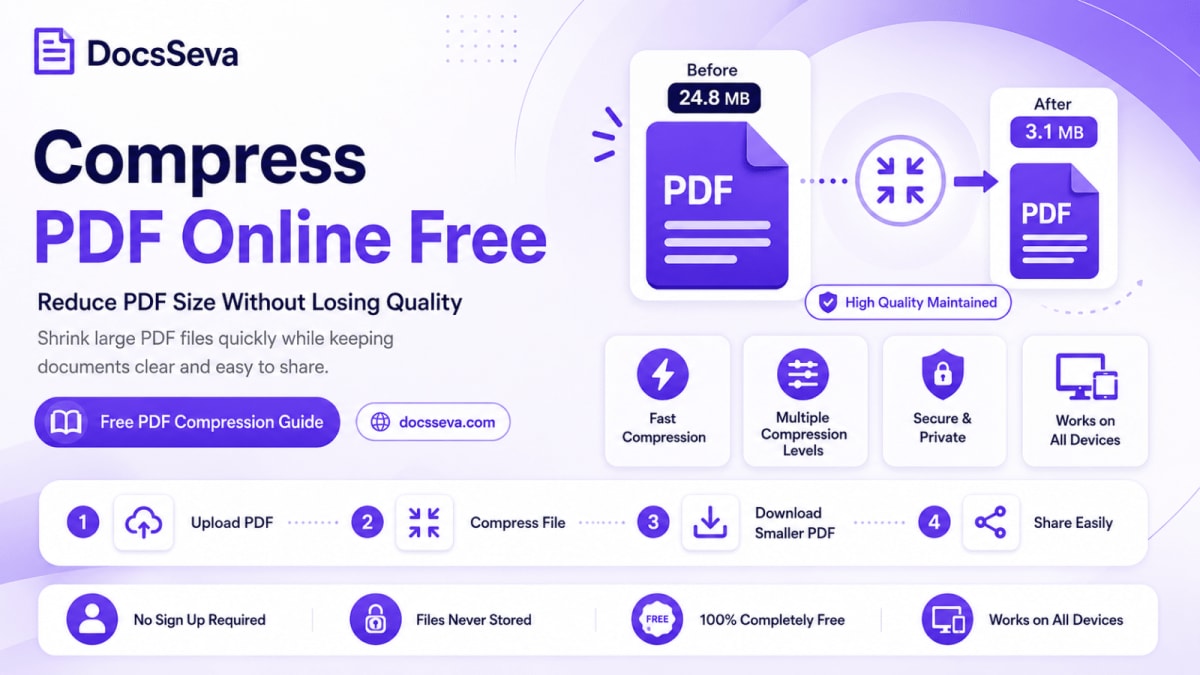
Compress PDF files online for free with DocsSeva. Follow simple steps to reduce file size, select the right compression mode and keep your document readable.
Learn how to convert PDF files into editable Word DOCX documents online for free using DocsSeva—without registration, software installation, or watermarks.